
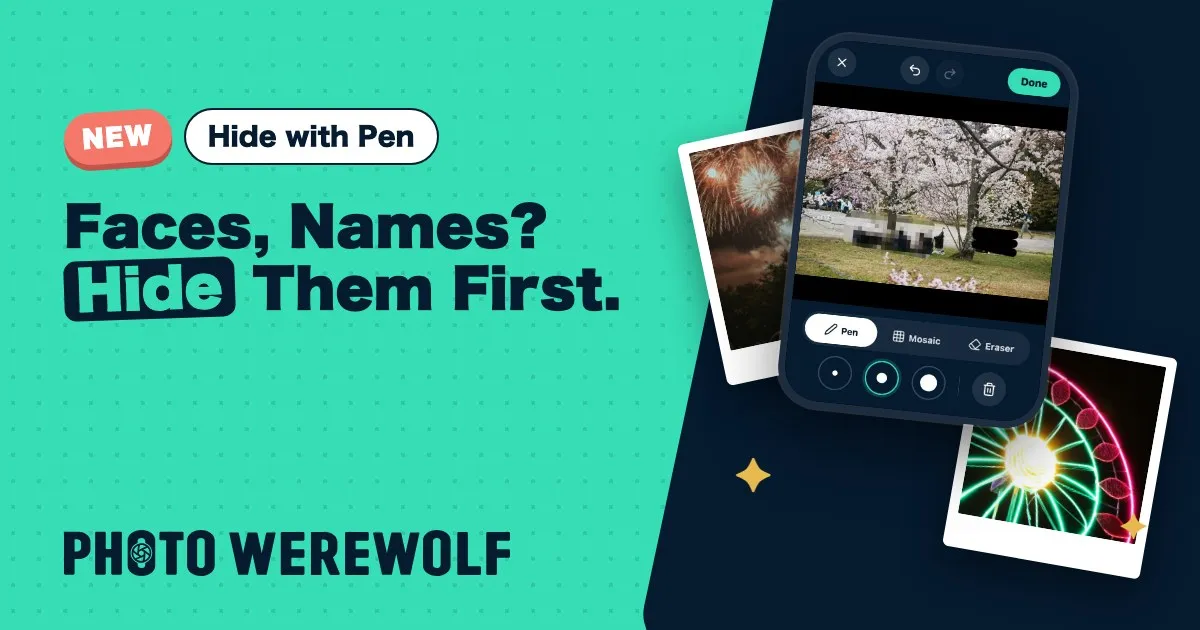
Hide parts of your photo with a pen or mosaic
You can now hide parts of your photo with a pen or mosaic before you submit it 🎉
Sometimes the perfect photo for the theme has a stranger’s face in the background, a friend who’d rather not be shown, or a name on a mailbox or receipt. Until now, the only option was to skip it.
Now you black out or pixelate the part you don’t want seen and submit the rest. No need to edit it in another app and pick it again.
How to use it
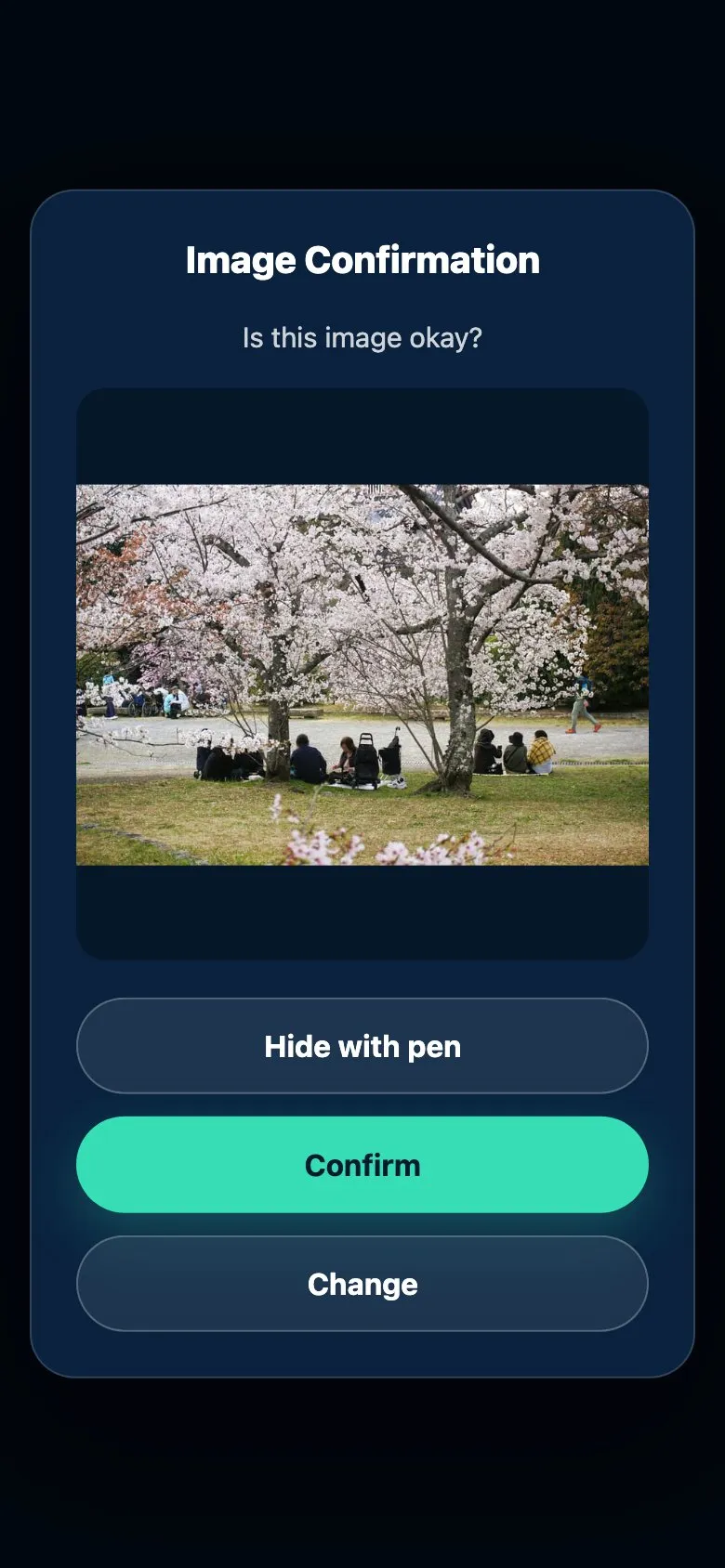
After choosing a photo, tap Hide with pen
It’s a new button on the Image Confirmation dialog that appears once you pick a photo.
Trace over what you want to hide
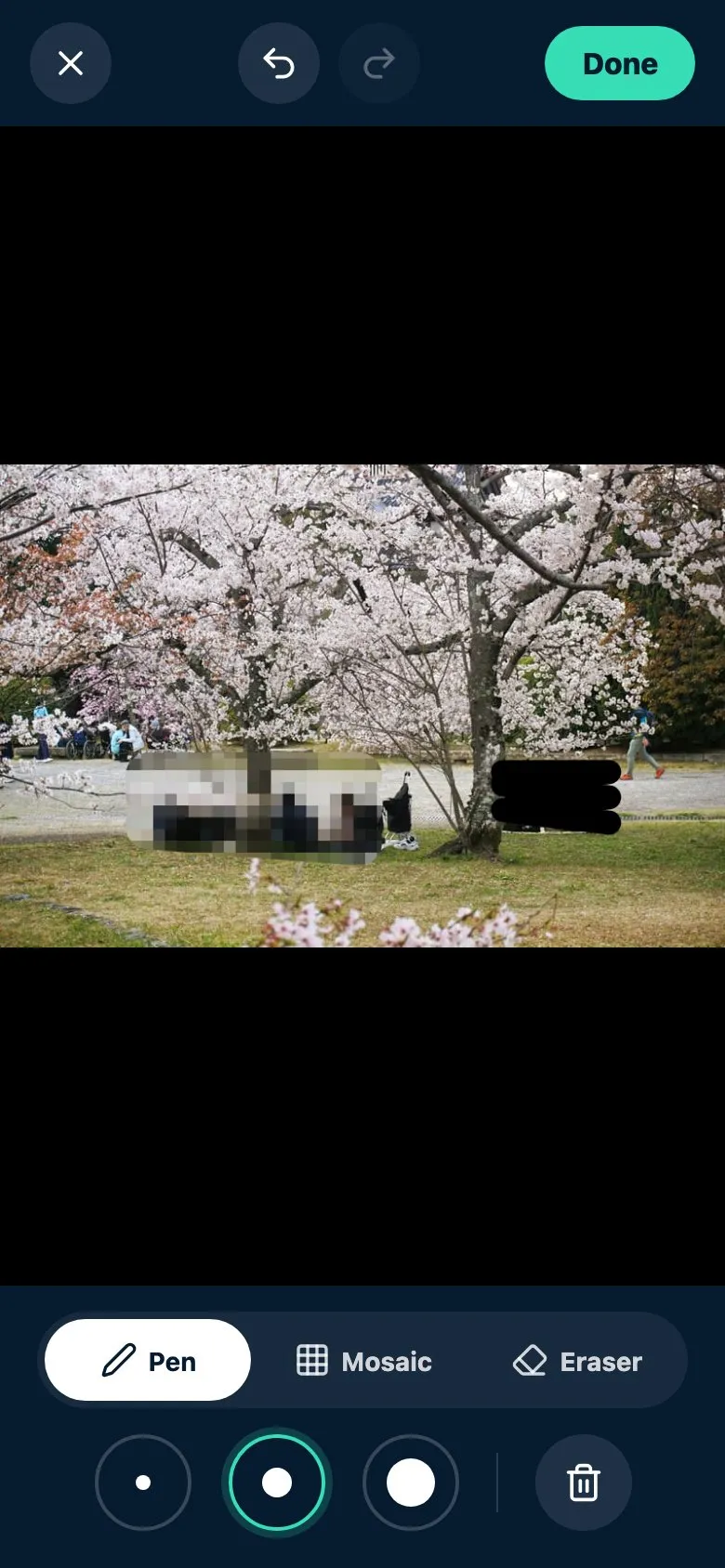
The photo opens full screen. Switch tools at the bottom:
- Pen: paints over in solid black
- Mosaic: pixelates faces or text while keeping the feel of the photo
- Eraser: brings back the original photo where you went too far
There are three sizes. Small is enough for text; for a group of people, go big and sweep over them. The arrows at the top undo and redo one stroke at a time, and the trash can clears everything.
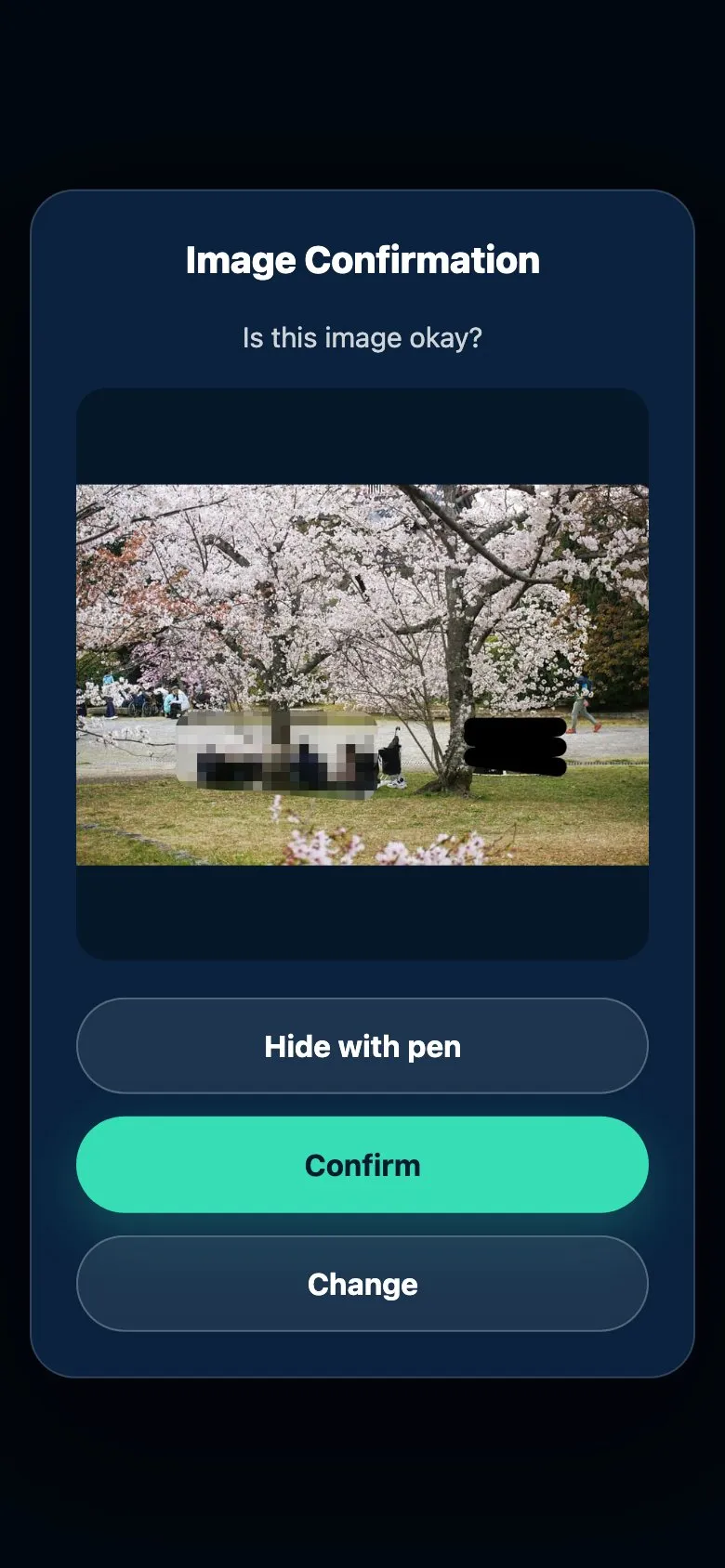
Tap Done, then Confirm
The preview switches to your edited photo. If it looks right, tap Confirm.
Until you confirm, you can tap Hide with pen again and keep editing where you left off. Clear everything with the trash can and tap Done to bring back the original.
Other players see the edited photo
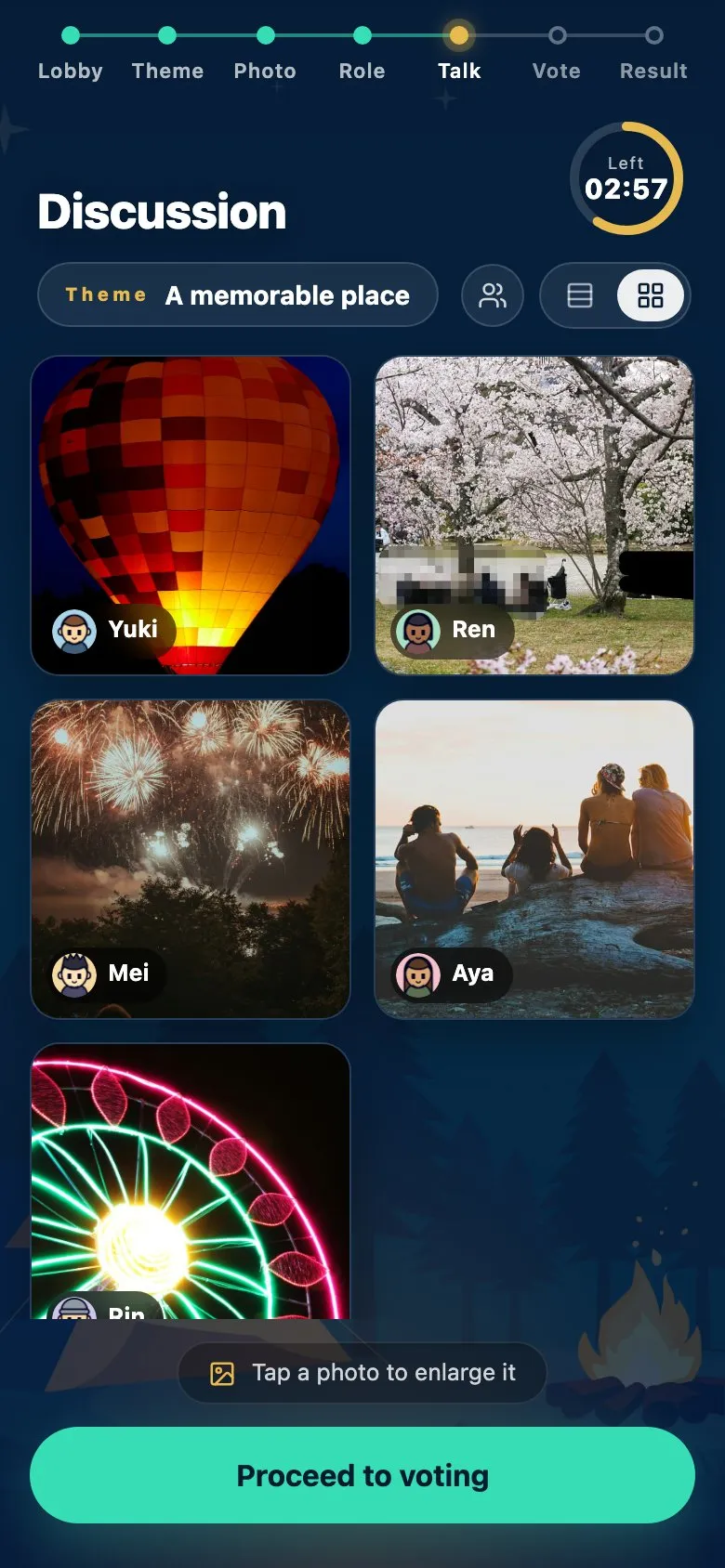
| Where | What they see |
|---|---|
| Discussion and voting | The edited photo |
| Werewolf photo swap | Your partner gets the edited photo |
| Results and memory image | The edited photo |
| Screen mode | The edited photo |
Only the edited photo is sent. The original stays on your phone, and nobody can remove the pen or mosaic to see what’s underneath.
More photos you can use
Photos you passed on because of a face or a name can now go into the game. There’s nothing to buy and nothing to turn on.
Three players are enough, and a game takes about 10 minutes. No install, it runs right in the browser 🐺
 Photo Werewolf Play Photo Werewolf free in your browser A new kind of online Werewolf where you bluff with photos on your phone. Grab some friends. Play a round for free